Part of Briarly - the Folla product family for WordPress
Part of Briarly - the Folla product family for WordPress
Part of Briarly - the Folla product family for WordPress
WordPress plugin. QRown Pro turns a QR code into a tracked short link on your own domain - redirects, scan analytics, password/geo/device rules, no Bitly-style subscription to a third party. Starts with QRown, a genuinely free QR generator, so you can try the styling before you need any of that.
Bitly, QR Tiger, and similar tools charge $5–$250/month for a redirect engine and a scan log that run on their servers, not yours. QRown Pro does the same job, self-hosted on your own WordPress site, under your own domain - with a genuinely free QR generator to get you started.
Redirects live on your own domain - yoursite.com/r/slug, not a third-party URL. Cancel the license and every code already printed keeps working; it just can't create new ones.
Dot and corner shapes, solid or gradient colors on every element, logo upload, transparent backgrounds. Save a combination as a preset once, reuse it everywhere. All of this is in the free QRown generator - most competitors charge for less.
Timeline, top links, device and country splits, unique visitors - all in your own dashboard. No data sent anywhere else.
Gate a link behind a password, restrict it to specific countries or device types, or set an expiry date. All enforced server-side at redirect time.
Change where a link points without reprinting the code - the QR code encodes the slug, not the destination. A flyer's promotion ends, you retarget the link, nobody reprints anything.
Scan events dispatched server-side at redirect time, so they're recorded even when a visitor's ad blocker or browser tracking protection would silently drop the destination page's own analytics.
Not just URLs - generate a QR for a WiFi password, a contact card, a phone number, an SMS, an email, or a WhatsApp chat, right in the free generator. Same instant, one-off code as any other QRown QR.
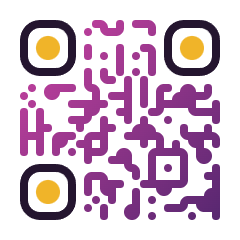 Sunset Rounded
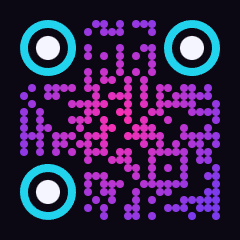 Neon Dots
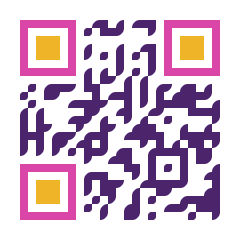 Duotone Classy
 Pastel Extra-Rounded
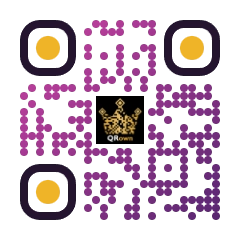 Add your logo
No separate app to log into - QRown Pro runs inside wp-admin, styled to match, not bolted on as a box that looks like it's from somewhere else. The free generator shares the same admin, so switching between them is just a tab.
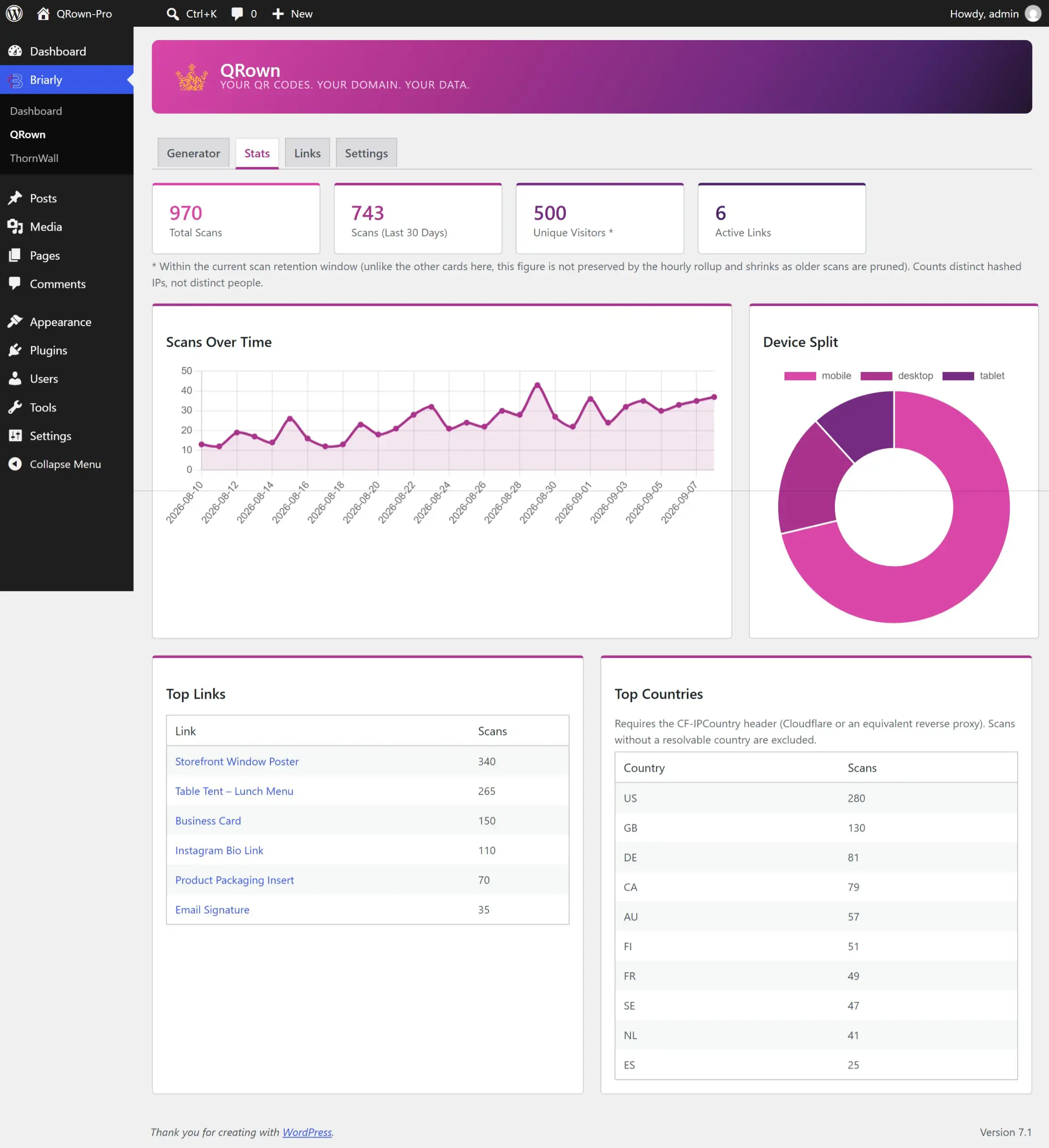
Timeline, device split, top links, top countries - computed from your own database and rendered in your own admin. A scan never leaves your site unless you turn on an analytics add-on yourself.
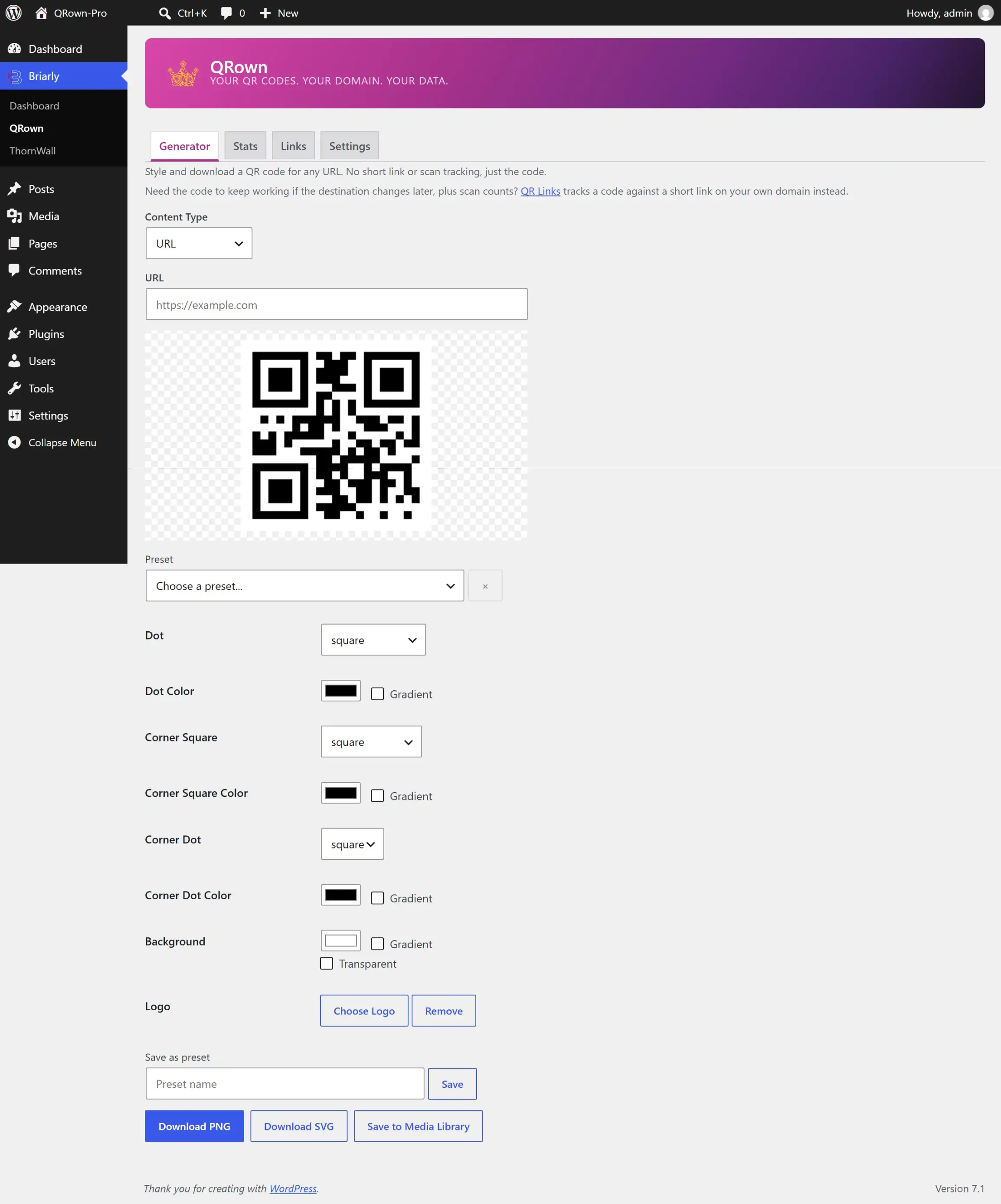
Every shape and color choice updates the preview instantly. No round trip to a server, no guessing what a gradient or corner style will look like before you commit to it. A Pro Link's own QR code opens this same screen, pre-filled with its short URL.
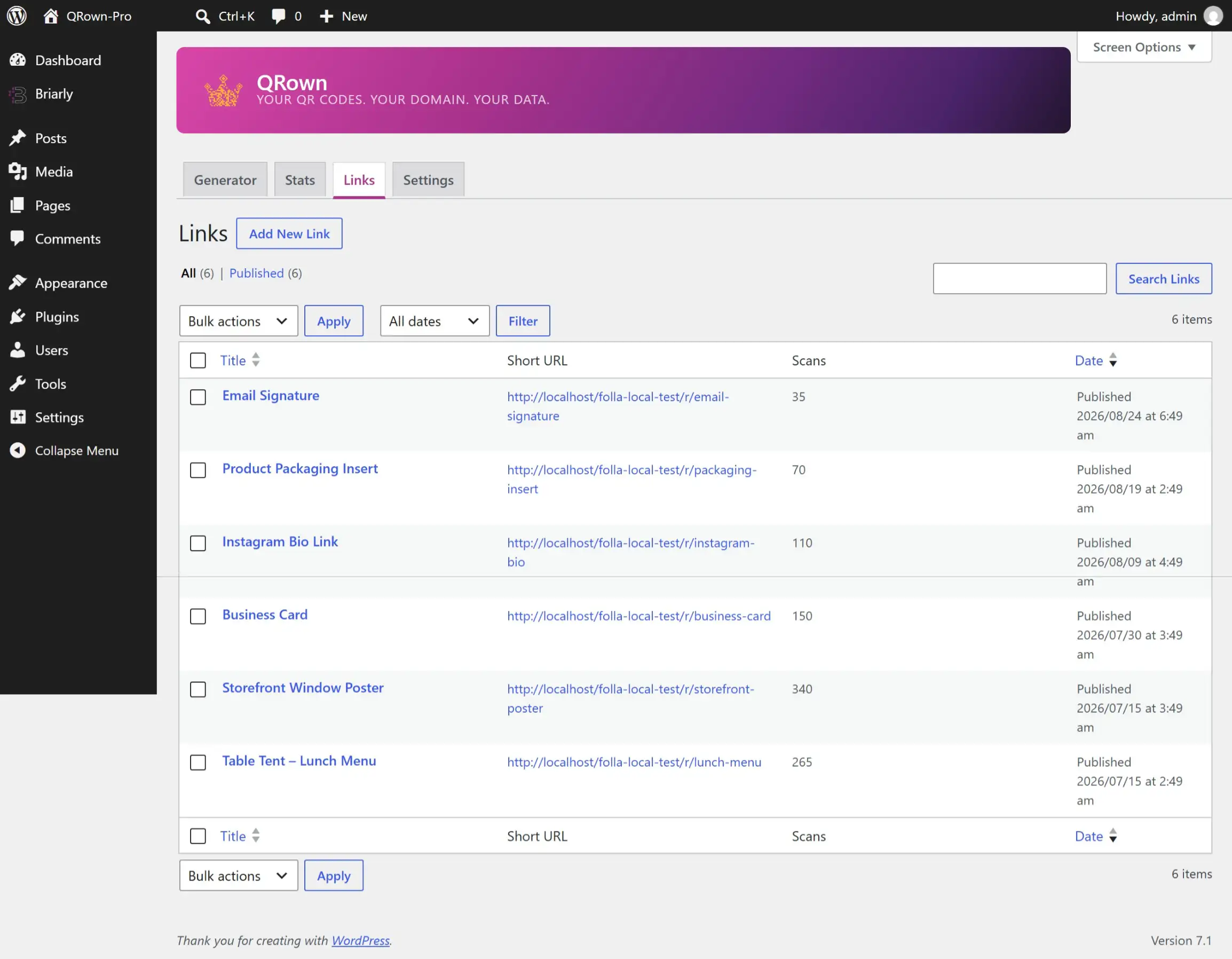
The Links screen is a real WordPress list table: sortable, searchable, bulk actions included. Each row shows the link's branded short URL and running scan count.
QRown Pro adds redirects, scan analytics, and rules on top of QRown, a real free QR generator on WordPress.org — not a trial, not a locked demo. Install the free generator alone, or add Pro when you need links to keep working after the code is printed.
The free tier isn't a stripped-down trial - it's more capable than most other WordPress QR plugins' free tiers, and most paid SaaS tools too. Most free competitors skip dot/corner shapes, logos, gradients. QRown includes all of it for free, because it's the same styling engine the Pro side uses.
The free Generator (QRown, on WordPress.org) makes a one-off, static code for any URL you type in - nothing saved, nothing tracked. A Pro Link is different: it's tied to a tracked short link on your own domain, so you can change where it redirects after printing, see scan counts, and gate it with a password, expiry, or geo/device rules. QRown Pro is a separate plugin that installs alongside the free one - a Pro Link's own QR code still opens in the same generator you already know, just pre-filled with that link's short URL.
Every QR code and short link you've already printed or shared keeps working. The next scan just lands on the new destination - the code encodes the slug, not the destination, so retargeting never means reprinting.
Two reasons. A normal analytics hit depends on a script running in the visitor's browser - ad blockers and tracking prevention silently drop that for a meaningful share of visitors. QRown's add-ons dispatch server-side instead, so the scan gets recorded regardless. And it lands in the same tool and campaign report you already check, instead of a second dashboard.
No. An expired or missing license blocks creating new links and codes - it never breaks a redirect that's already live. Breaking live codes on a lapsed subscription is exactly the problem this plugin exists to avoid.
 QRown
QRown